 Vyoma
VyomaEncrypted before it leaves
Messages, photos, files and voice notes are encrypted on your phone. Only the devices in the chat can read them.
 New · v1.2.0
Your conversations stay yours.
A private messenger for chats, calls, groups and more. Every message and photo is encrypted before it leaves your phone — and the keys that unlock them never leave your device.
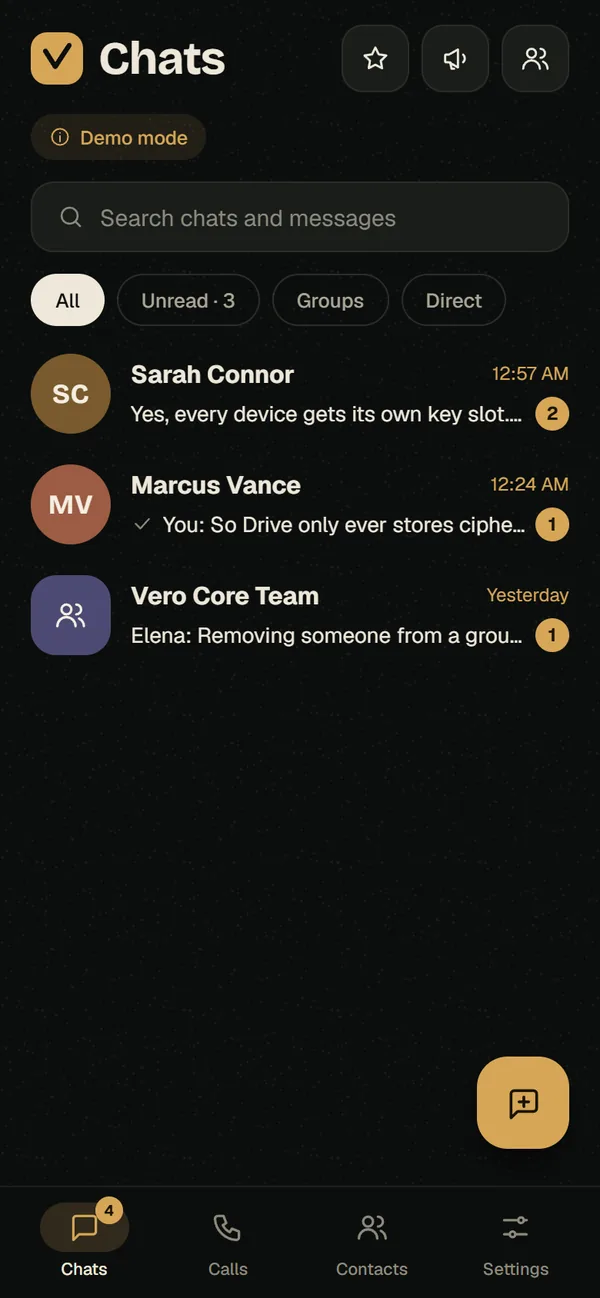
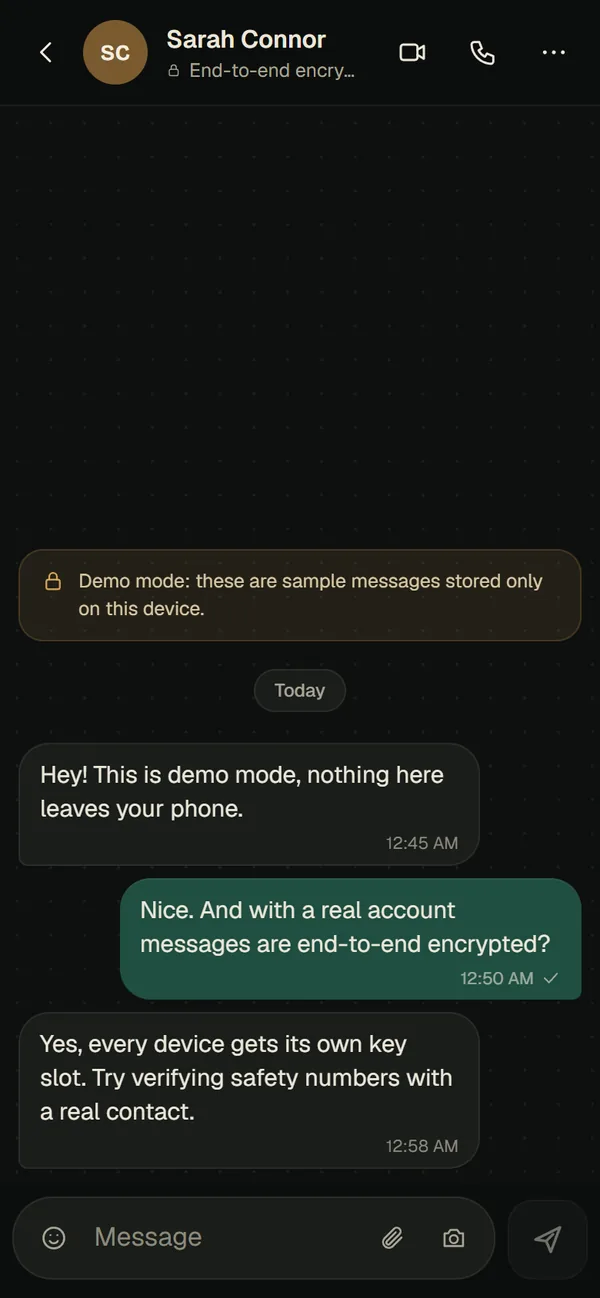
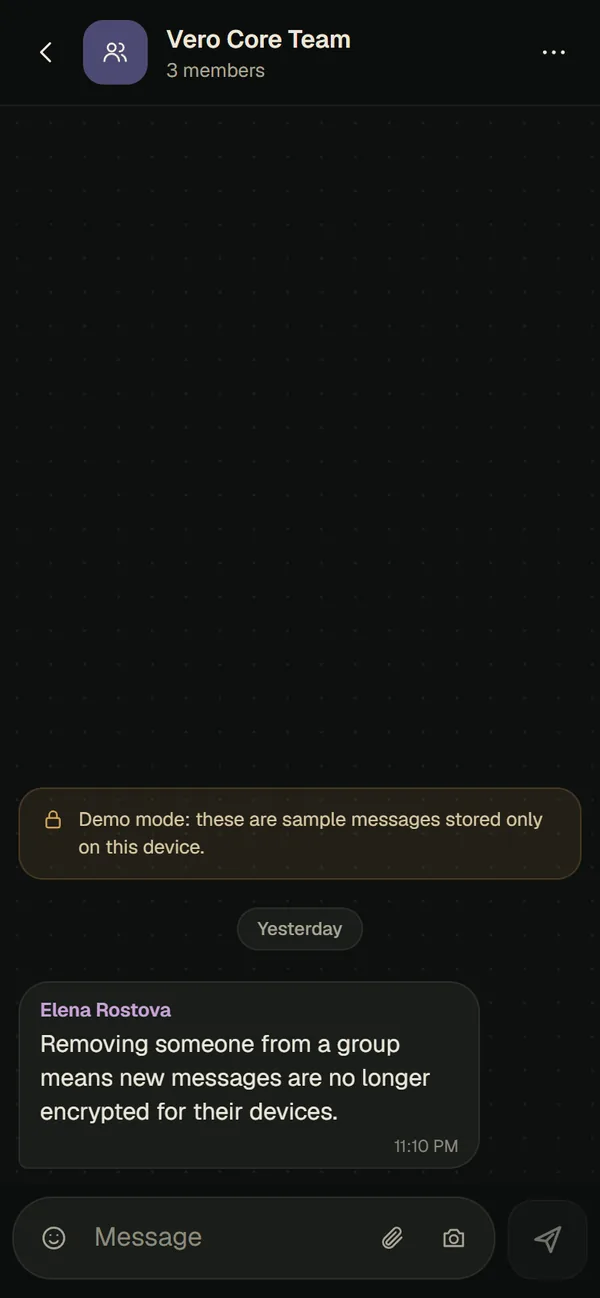
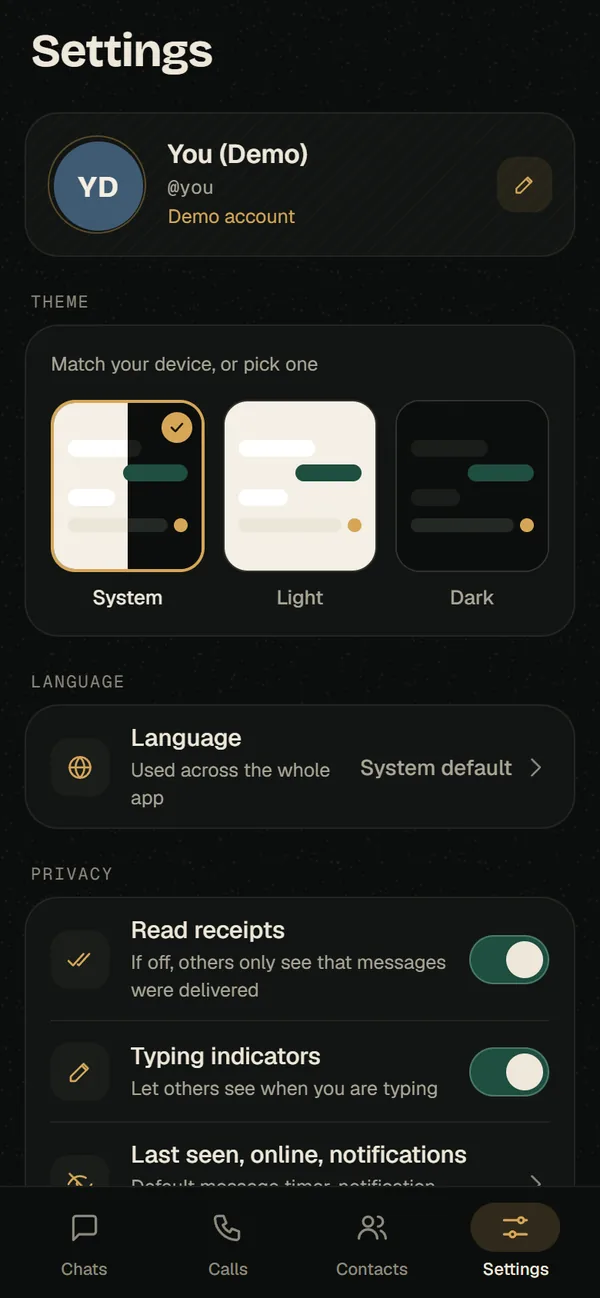
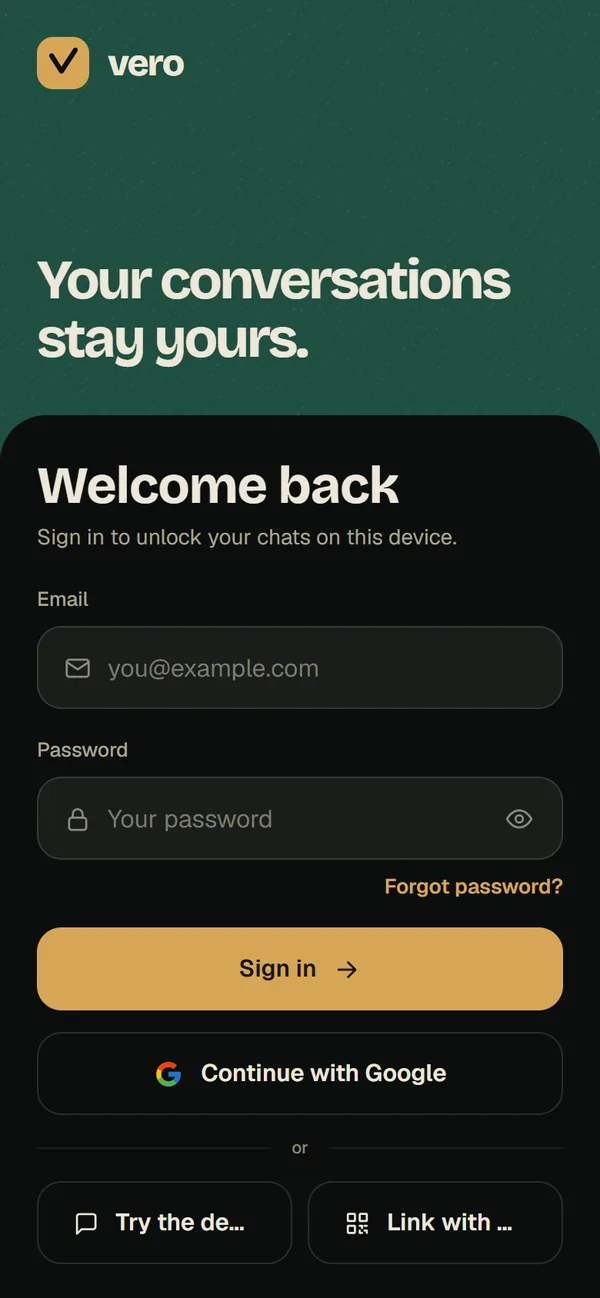
Messages, photos, files and voice notes are encrypted on your phone. Only the devices in the chat can read them.
One-to-one and group calls are end-to-end encrypted too.
Compare a number in person to make sure nobody swapped a key in the middle.
Link a computer by scanning a QR code. Every device gets its own keys.
Unlock your backup with a passphrase, a recovery key — or both. Move chats to a new phone.
Set a timer per chat, or a default for every new chat you start.
Every member’s devices get their own key slot. Communities bring related groups together.
Broadcast to followers, share stories with chosen people, or build a bot or mini-app.
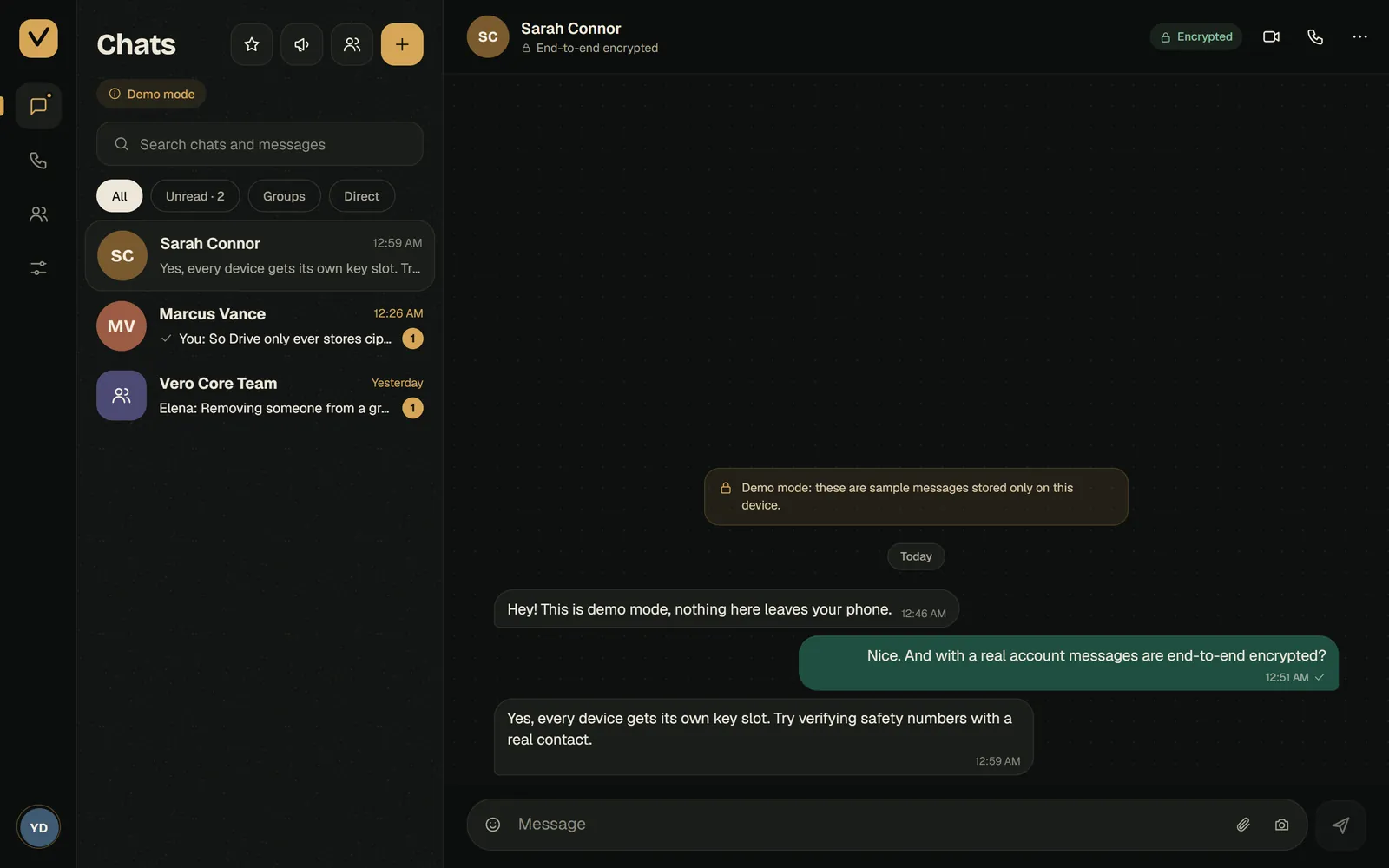
Open Vero in any modern browser, scan the QR code with your phone, and the computer gets its own keys and your recent chats. You can see and unlink every device from Settings.
Install it like an app from your browser, or grab the Android app — installed apps check for new versions and update themselves.
How it stays private
Vero tells you plainly what its servers can see. We think that honesty is part of privacy.
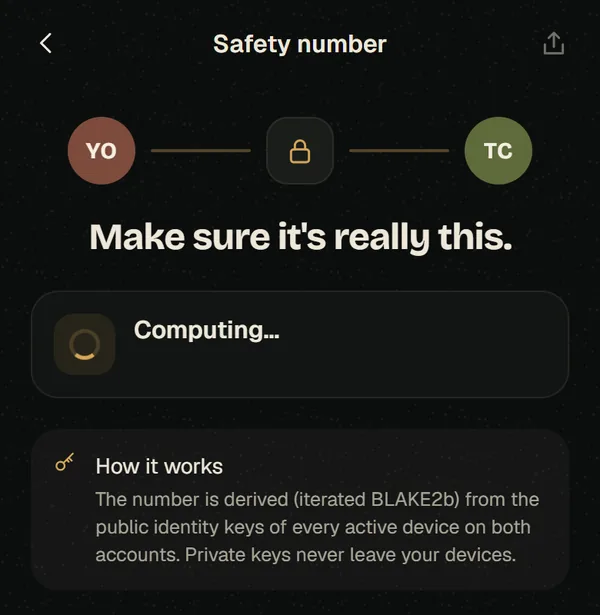
Finding friends by phone number is opt-in; lookups use hashes and are rate-limited.
How a message travels
In between, Vero’s servers only ever handle ciphertext.
Encrypted with keys kept in your phone’s secure keystore.
Deliver it, but can’t read it. They do see who it’s for, and when.
Decrypted on their device — and on each of their linked devices.
38 screens in the web app, grouped by what they do.
| Area | Screens |
|---|---|
| Linked devices & backup | 9 |
| Chats & groups | 8 |
| Communities & channels | 6 |
| Stories | 4 |
| Privacy & safety | 4 |
| Bots | 2 |
| Profiles | 2 |
| Calls | 1 |
| Payments | 1 |
| App updates | 1 |
Source: Vero’s public route map at atherhost.online/_sitemap
From Vero’s source and its in-app “How it stays private” notes.
Why we built Vero, how it works in plain English, and a complete guide to every feature.