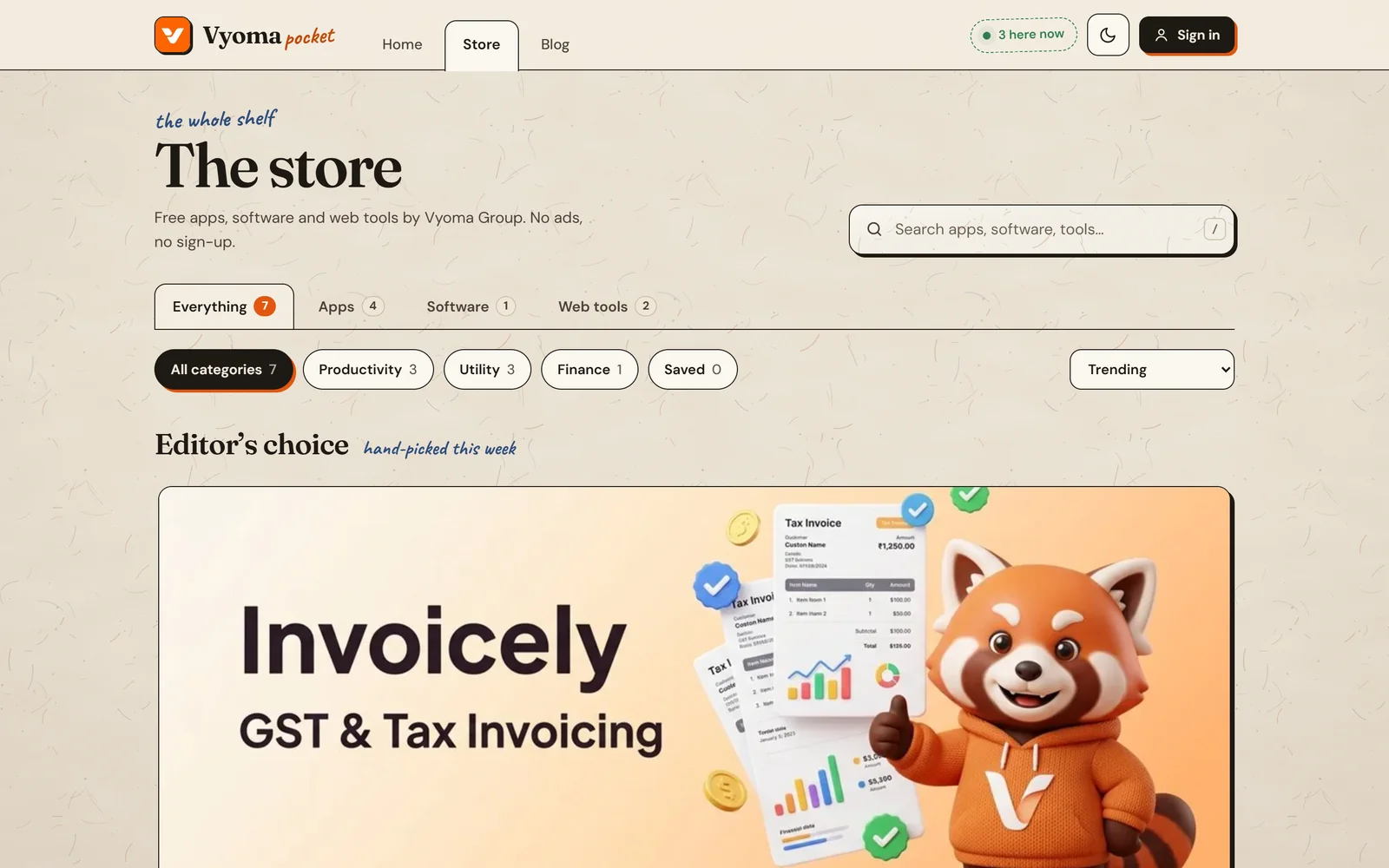
A shelf of small, free apps from Vyoma Group — each one does a single job well.
Vyoma Pocket lives at pocket.vyomagroup.online. Every app is free, has no ads, needs no sign-up and runs in your browser. The first app on the shelf is Invoicely, a GST and tax invoice maker. Six more are listed as coming soon.
App
What it does
Status
Invoicely
Create, customise and export GST and tax invoices in seconds.
Live
FocusPomo
Pomodoro timer with ambient soundscapes for deep work.
Coming soon
MarkdownPad
Distraction-free Markdown editor with live preview.
Coming soon
PixelTiny
Compress and convert images right in your browser.
Coming soon
QR Pocket
Make and scan QR codes, fully offline.
Coming soon
Splitly
Split group expenses and settle up in fewer payments.
Coming soon
UnitSnap
Instant unit, dimension and engineering converter.
Tell others what you think, or tell us what broke.
On an app’s page, pick a star rating, add your name and a review, and press Post review — reviews are public. Found a bug? Use Report an issue at the bottom of any page, or email support@vyomagroup.online.
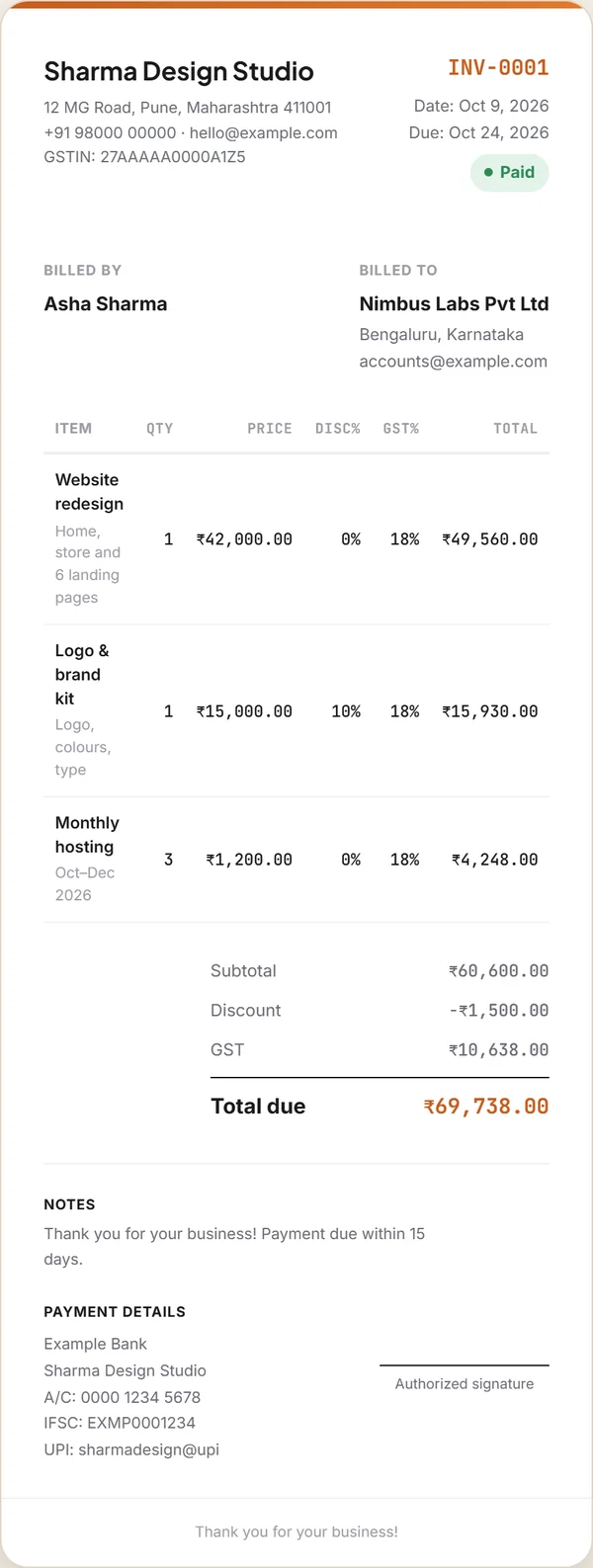
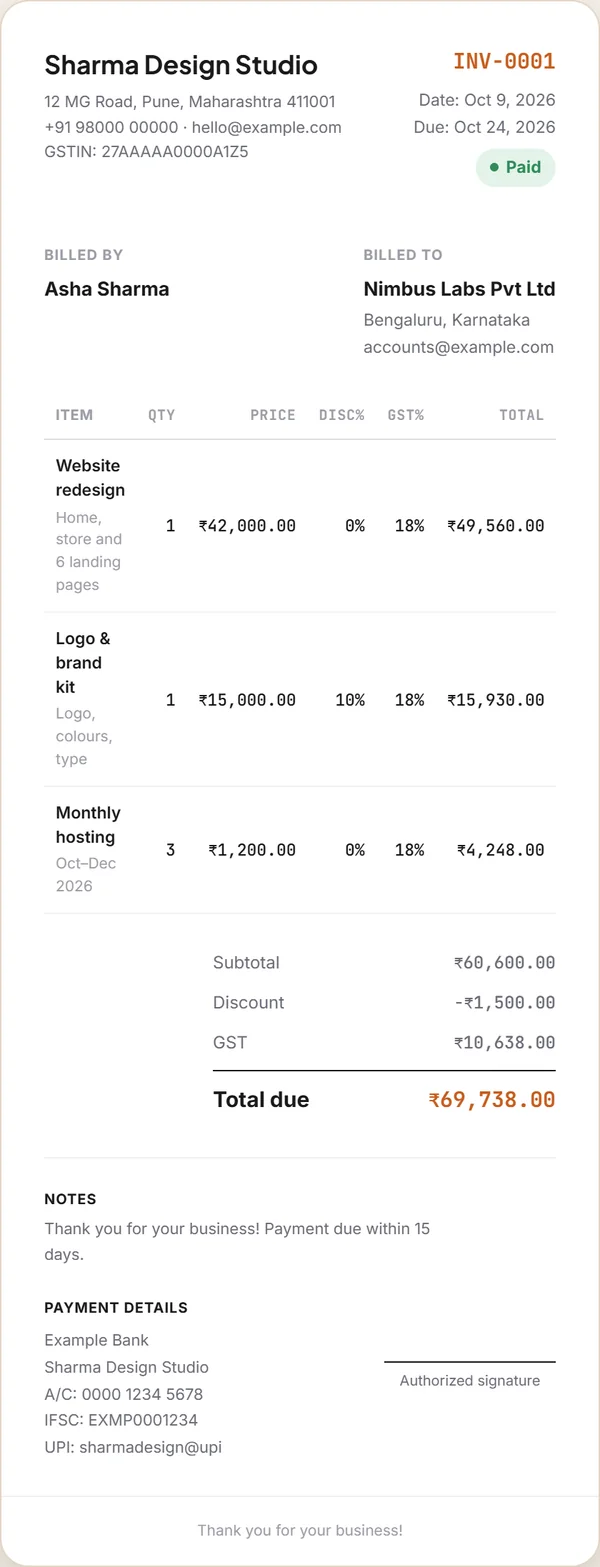
For each line: quantity × price, minus the line’s discount %, then the line’s GST % is added on top. Use Add row for more items, and the row buttons to duplicate or delete one.
Line
Example
Subtotal (before discounts)
₹60,600
Discount
−₹1,500
GST (18% of ₹59,100)
₹10,638
Grand total
₹69,738
Tip
Invoicely shows GST as one rate per line. For Indian tax invoices, write the split — “CGST 9% + SGST 9%” or “IGST 18%” — and the place of supply in Notes. Our GST invoice guide explains why.
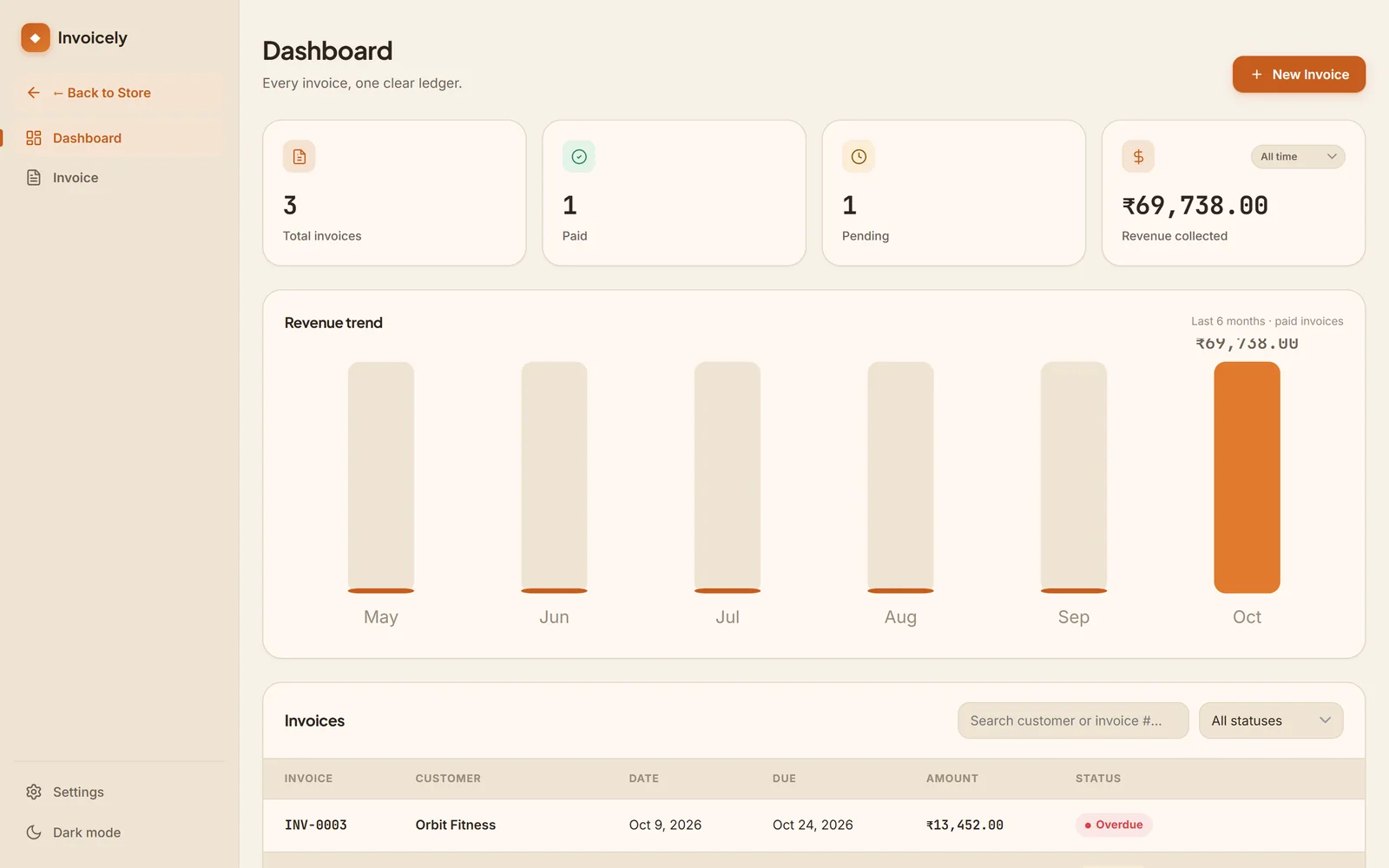
Draft, pending, paid or overdue — and what you’ve collected.
Set a status at the top of the editor. The dashboard counts your invoices, shows how many are paid and pending, adds up revenue collected from paid invoices (all time, last 30 days, this month or this year) and draws a six-month revenue trend. Search by customer or invoice number, or filter by status.
Every invoice needs its own number, in one unbroken series — for GST, unique within the financial year. Type the next number in your series into Invoice number before you save, and don’t reuse one.
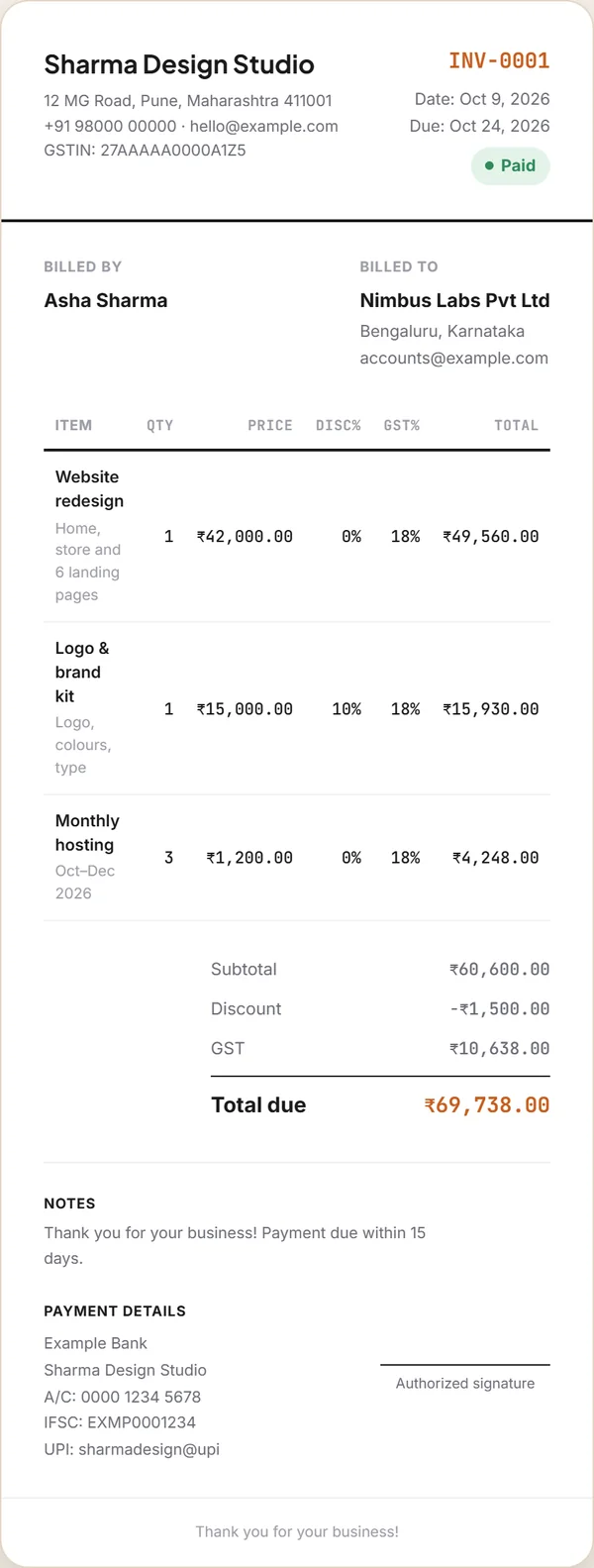
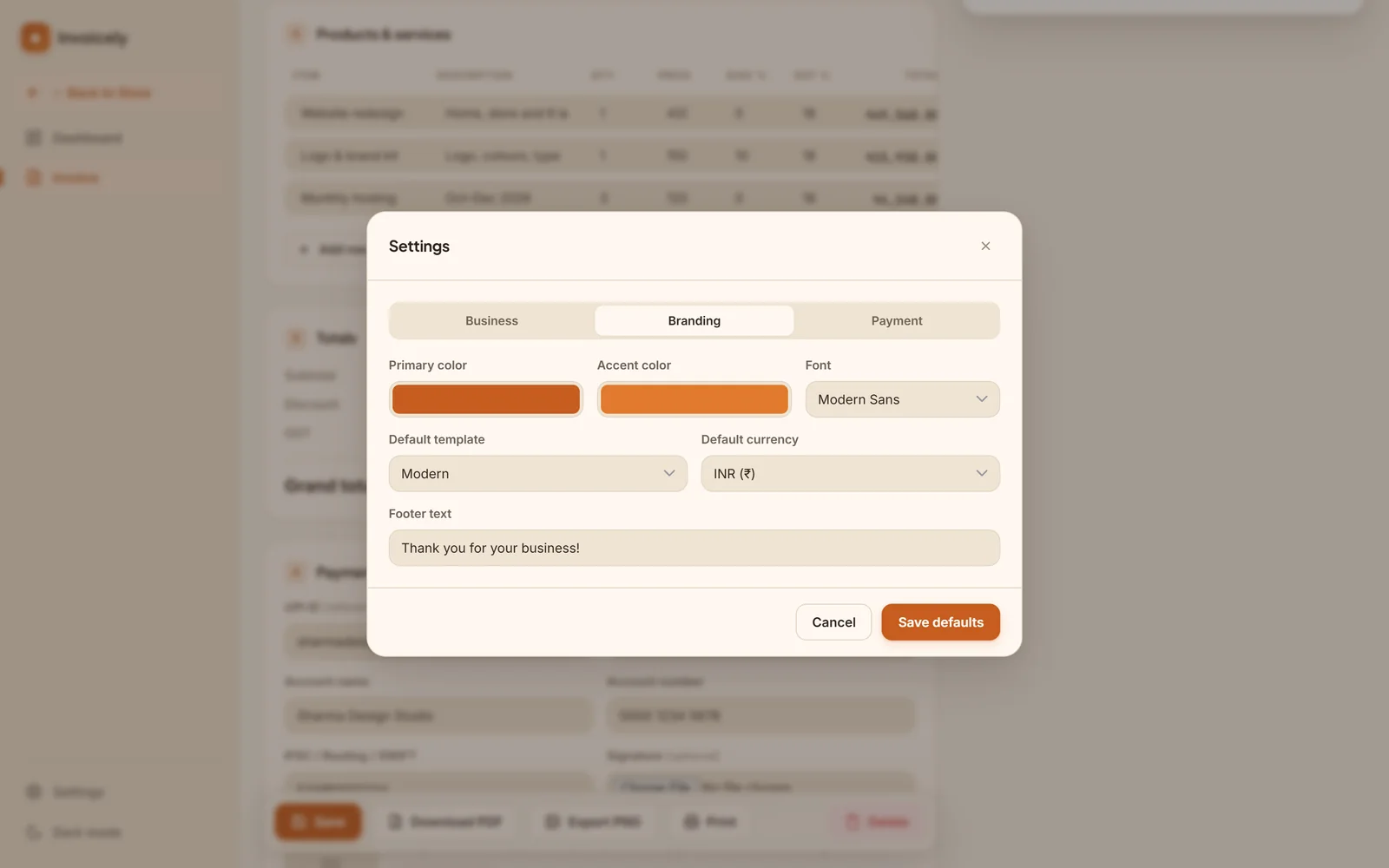
Drag a PNG or JPG onto Upload logo, or click to browse. Under Branding, pick a primary and accent colour, a font (Modern Sans, Classic Serif or Mono / Technical) and a footer line such as “Thank you for your business!”.
In your browser, on your device — never on our servers.
Invoicely saves your invoices, customers, logo and settings in your browser’s local storage as you type. There’s no account, and Vyoma’s servers never receive your invoices. The store only counts downloads and stores public reviews.
When the app opens, your browser fetches its fonts, icons and the PDF tools from public CDNs (Google Fonts, cdnjs and unpkg). That’s all — none of your invoice data is sent anywhere.
Usually a different browser, a private window, or cleared site data.
Open Invoicely in the same browser and profile you used before, outside private mode. If the browser’s data was cleared, the invoices can’t be recovered — which is why we recommend saving a PDF of each one.
Include your GSTIN, the customer’s GSTIN for B2B, HSN/SAC codes, the place of supply and the tax split. Our GST invoice guide has the full checklist. Businesses above ₹5 crore turnover must also generate e-invoices on the government portal.
 Vyoma
Vyoma