 Vyoma
Vyoma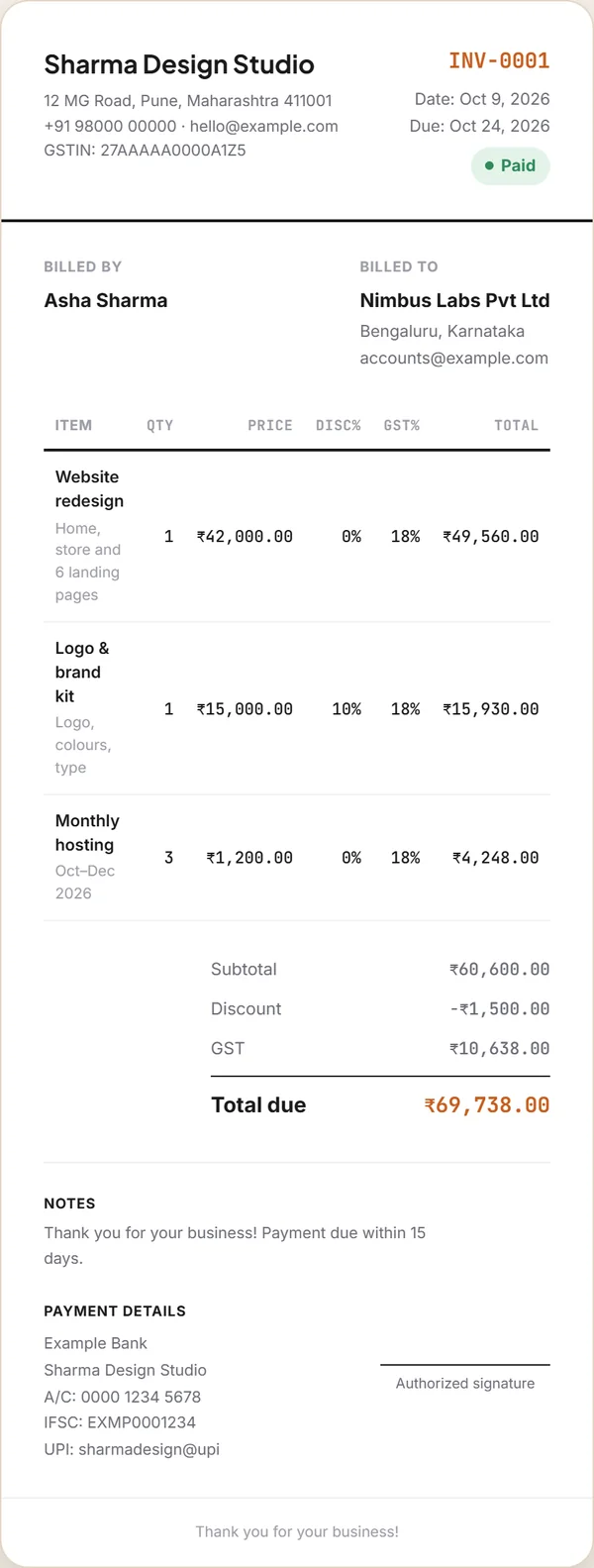
What a GST invoice is
A tax invoice is the bill a GST-registered business gives a customer for goods or services. It isn’t just paperwork: it’s the document your customer needs to claim input tax credit, and the record you’ll match against your GST returns. That’s why the law spells out what has to be on it.
This guide is a plain-English overview for small businesses and freelancers, not tax advice. Rules change, so check anything important with your chartered accountant or the GST portal.
What must be on it
Rule 46 of the CGST Rules lists what a tax invoice must show. For most small businesses, it comes down to this:
| Field | What it means |
|---|---|
| Your name, address and GSTIN | As registered. Every invoice must show the supplier’s GSTIN. |
| A unique, consecutive invoice number | Up to 16 characters (letters, numbers, - and /), unique for the financial year — e.g. INV/26-27/001. |
| Date of issue | The date you issue the invoice. |
| Customer’s name and address | Plus their GSTIN if they are GST-registered (B2B). |
| Place of supply | The state where the supply happens — needed for inter-state supplies. It decides CGST + SGST or IGST. |
| HSN code (goods) or SAC code (services) | For each item. How many digits you need depends on your turnover. |
| Description, quantity and unit | What you supplied, and how much. |
| Value and taxable value | The total value of each item, and the taxable value after any discount. |
| Tax rate and tax amount | CGST + SGST for a supply inside your state, or IGST for a supply to another state. |
| Reverse charge — yes or no | Whether tax is payable on a reverse-charge basis. |
| Signature | Your signature or digital signature, or an authorised signatory’s. |
CGST + SGST, or IGST?
GST is split differently depending on where your customer is. The total rate is the same — only the label and who collects it changes.
Selling from Pune to a customer in Mumbai? An 18% rate becomes 9% CGST + 9% SGST.
Selling from Pune to a customer in Bengaluru? It’s 18% IGST, all in one line.
A worked example
A design studio in Pune bills a client for a website (₹42,000), a brand kit (₹15,000 with a 10% discount) and three months of hosting (3 × ₹1,200), all at 18% GST.
- Add up the items: ₹42,000 + ₹15,000 + ₹3,600 = ₹60,600.
- Take off discounts: 10% of ₹15,000 = ₹1,500, so the taxable value is ₹59,100.
- Work out the tax: 18% of ₹59,100 = ₹10,638. Same state? That’s ₹5,319 CGST + ₹5,319 SGST. Another state? ₹10,638 IGST.
- Total due: ₹59,100 + ₹10,638 = ₹69,738.
Those are exactly the numbers Invoicely produced for this invoice — the discount comes off before GST, line by line.
Numbering, timing and copies
- Numbering: one unbroken series per financial year, no repeats. Many businesses restart at 001 each April, e.g.
INV/26-27/001. - Timing: goods — when they’re removed or delivered; services — generally within 30 days of supplying them.
- Copies: for goods, the rules ask for three copies (original for the buyer, duplicate for the transporter, triplicate for you); for services, two.
- E-invoicing: businesses with an aggregate turnover above ₹5 crore must generate e-invoices with an IRN on the government’s portal. A simple invoice maker isn’t enough for them.
Making one in Invoicely
Invoicely is free and needs no sign-up. Here’s the quickest way to a compliant invoice:
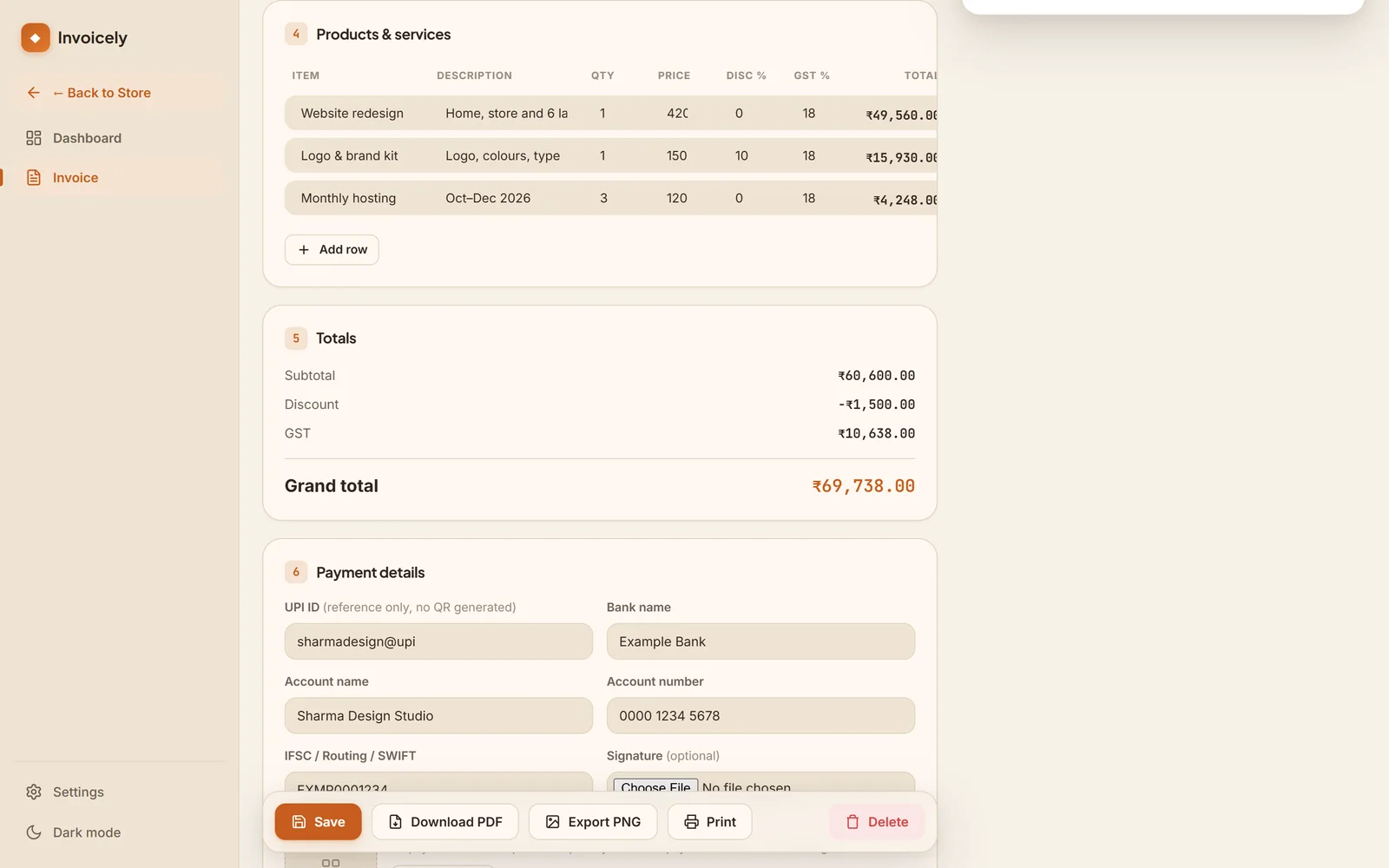
- Open Invoicely, pick INR as your currency, and add your business details and GSTIN in Settings once — they prefill every invoice.
- Press New Invoice, add your customer (and their GSTIN for B2B), and set the invoice number to the next one in your series.
- Add each item with its quantity, price, discount and GST %. Put the HSN/SAC code in the item’s description.
- Use Notes for the place of supply, the tax split (e.g. “CGST 9% + SGST 9%” or “IGST 18%”) and “Reverse charge: No”.
- Add your bank details, UPI ID and signature, then Download PDF.
Invoicely shows GST as a single rate per line and doesn’t have dedicated HSN or place-of-supply fields yet — which is why the notes and description carry them. Always check the invoice number before you save.
Before you send it
- Your GSTIN and the customer’s (for B2B) are correct
- The invoice number is the next in the series, and not a repeat
- HSN/SAC codes are on every line
- The tax split matches the place of supply
- The totals add up, and the bank and UPI details are right
- You’ve saved a PDF for your records

Vyoma Pocket
Small, free apps — starting with Invoicely, a GST invoice maker.