 Vyoma
Vyoma
Why we built Vero
Everything Vyoma makes follows three ideas: accessible, personal and safe. Helix and DiaCare bring those ideas to AI. But the most personal thing on anyone’s phone isn’t an assistant — it’s their conversations. With family, with friends, with the people they work with.
So we built a messenger that treats those conversations the way we’d want ours treated. Vero’s core principle is simple: the server can deliver your messages, but it should not be able to read them.
How it works, in plain English
When you sign in, your phone creates its own set of keys. The private half is stored in your device’s secure keystore and never leaves it — not to our servers, not to anyone.
- Every message, photo, video, file and voice note is encrypted on your device before it’s sent. Our servers only ever pass along scrambled data.
- Attachments are encrypted before they’re uploaded, so the storage behind Vero only holds ciphertext.
- Each device you use — phone or computer — gets its own keys. You can see every linked device and unlink any of them.
- In groups, every member’s devices get their own key slot. Remove someone, and new messages are simply no longer encrypted for their devices.
- Voice and video calls are end-to-end encrypted too, including group calls.
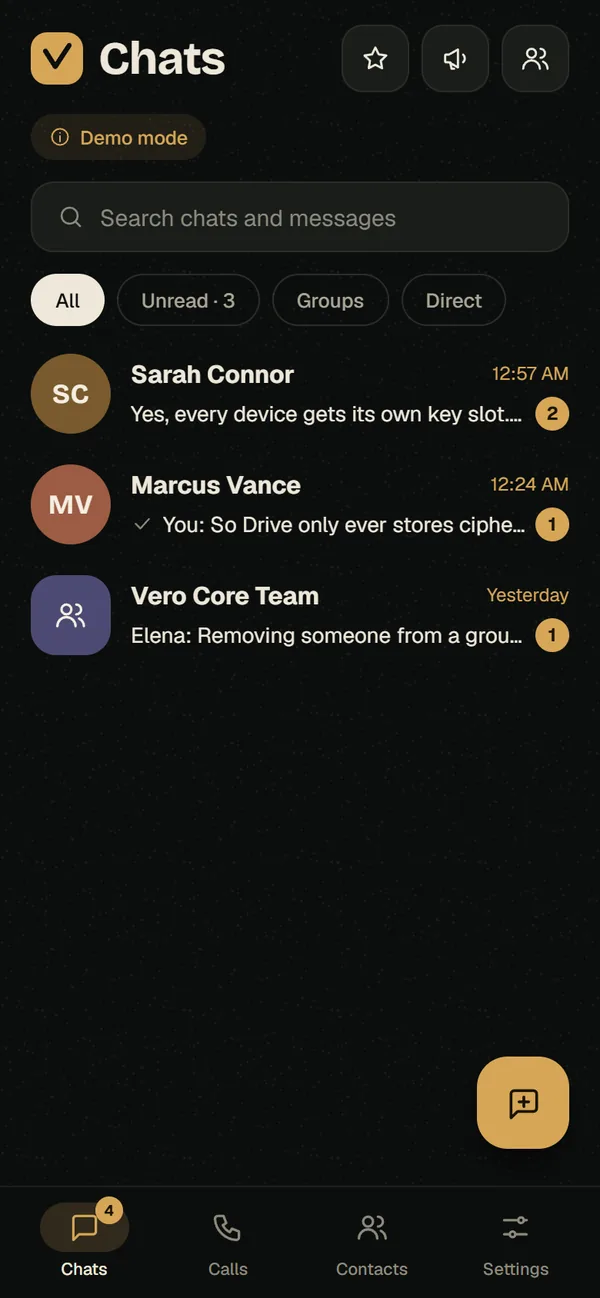
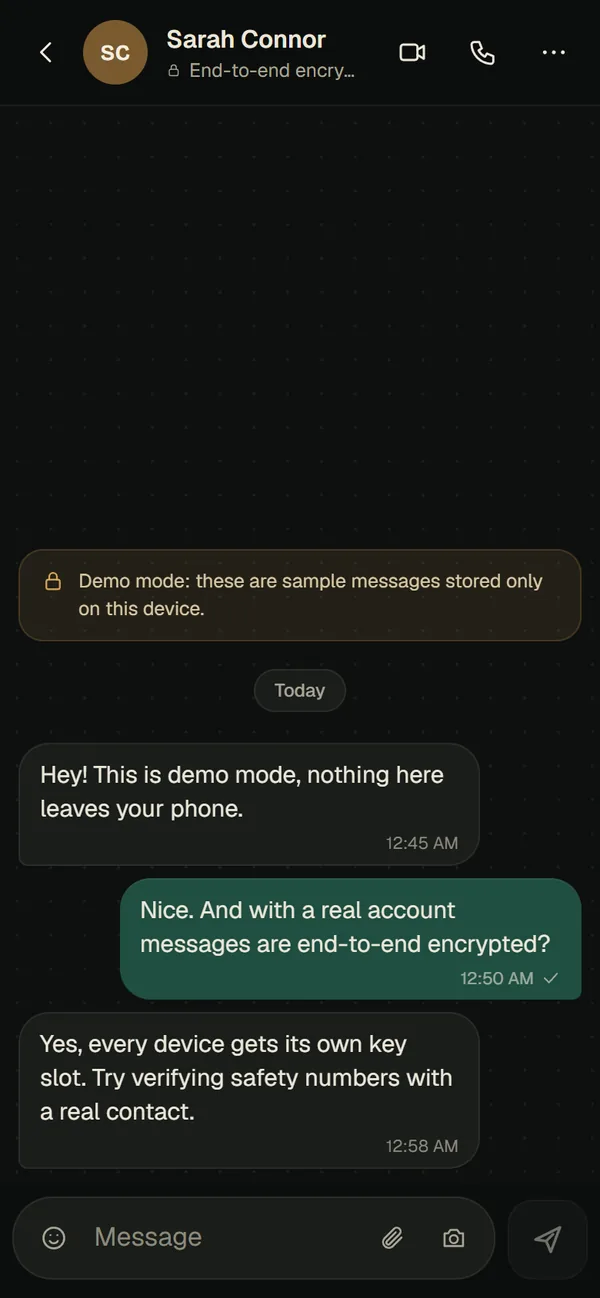
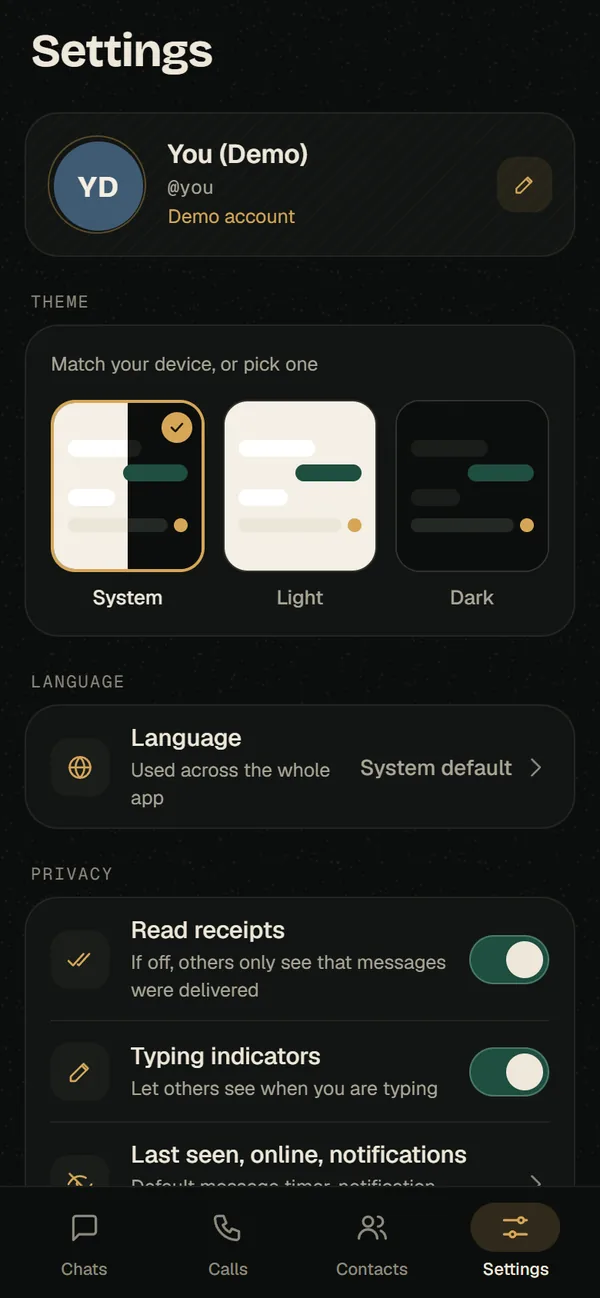
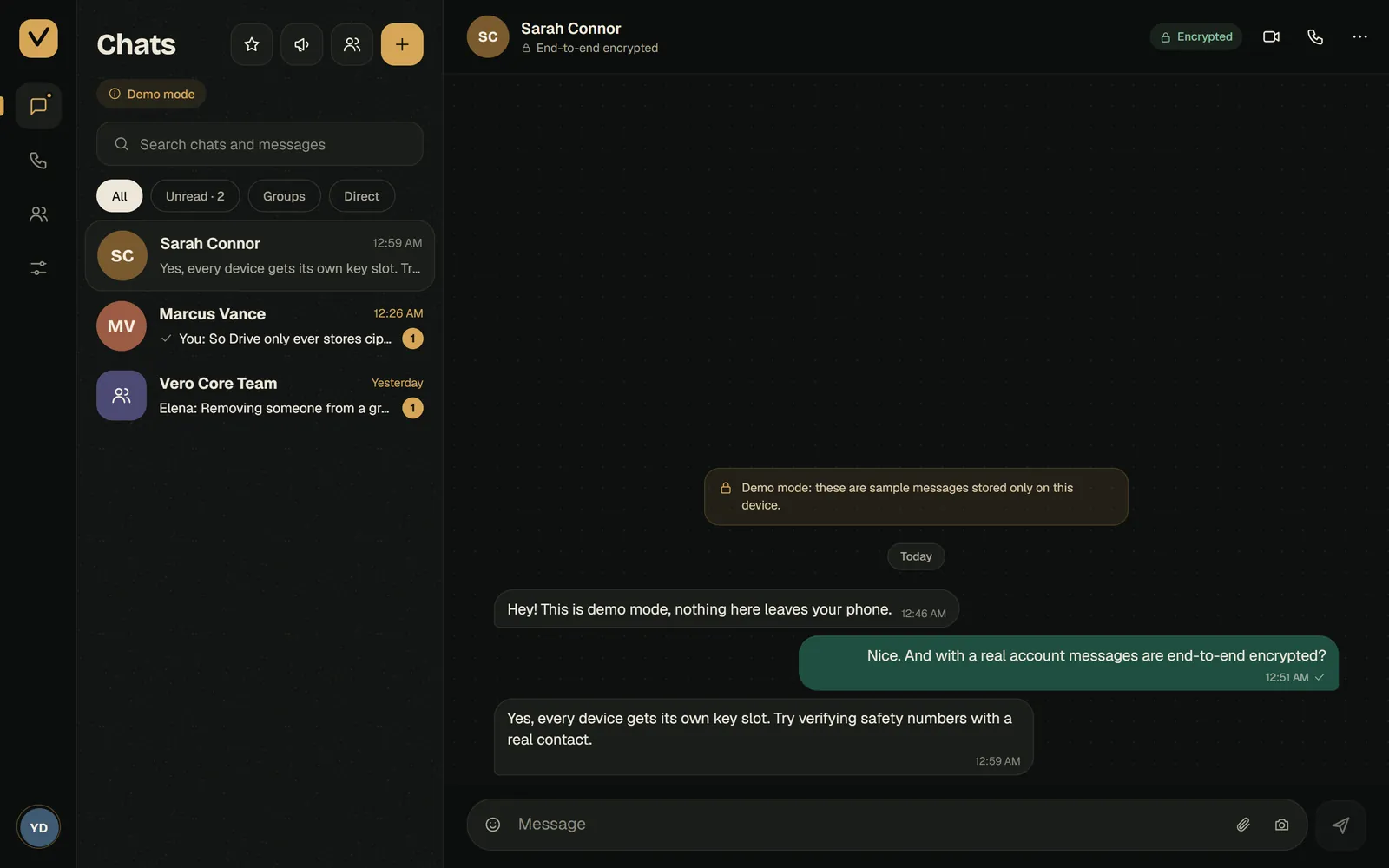
Real screens from Vero’s demo mode, which uses sample messages stored only on your device.
Check who you’re talking to
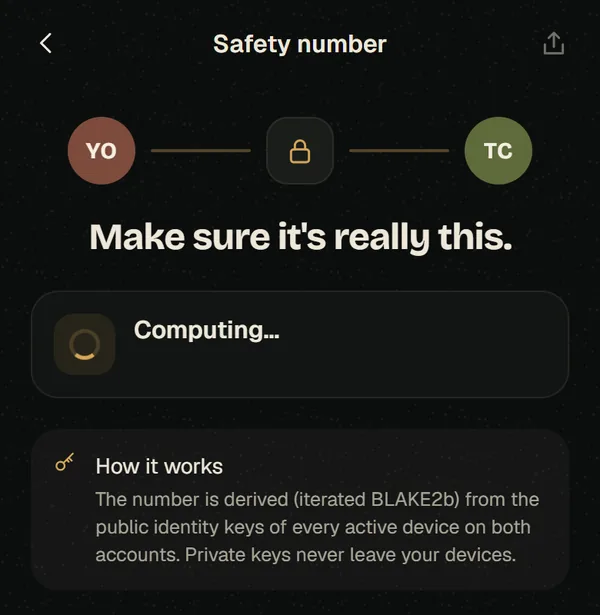
Encryption only helps if you’re talking to the right person. Vero gives every pair of contacts a safety number, worked out from the public identity keys of every active device on both accounts. Compare it with your friend — in person, or over a channel you already trust — and you can rule out anyone quietly swapping a key in the middle.
Everything you’d expect from a messenger
Privacy shouldn’t mean giving things up. Vero includes:
- One-to-one and group chats with replies, reactions, starred messages and search
- Voice notes, photos, videos and documents — all encrypted
- Voice and video calls, including group calls
- Disappearing messages, per chat or as a default for new chats
- Stories, with control over who sees them
- Communities that keep related groups together, and channels for broadcasting updates
- Bots and mini-apps, stickers and GIFs
- Encrypted backups you unlock with a passphrase, a recovery key, or both — and a way to move chats to a new phone
- App lock, read-receipt and typing-indicator controls, and light, dark or system themes
What Vero’s servers can see
No working messenger can store nothing at all, and we’d rather be clear than clever. Here is what Vero’s servers can see:
- Who talks to whom, and when
- Group and community names, descriptions and member lists
- Profile details such as your name and username
- Channel posts — channels are public broadcasts and aren’t end-to-end encrypted
- Anything you send to a bot can be read by that bot’s owner
Finding friends by phone number is opt-in. Lookups use hashes and are rate-limited, and nothing about your contacts is stored.
Get Vero
Vero runs in your browser and on Android, and you can try it before signing up.
On a computer, open Vero and scan the QR code with your phone to link it. On iPhone, open Vero in Safari and add it to your Home Screen. The Android app checks for new versions and updates itself.
We’ll keep sharing what changes in the changelog. And if something in Vero doesn’t feel private enough, tell us — we read every message.
See all three Vyoma products
Helix, DiaCare AI and Vero, side by side.