 Vyoma
VyomaThe short answer
End-to-end encryption means only the people in a conversation can read it. Your message is scrambled on your phone and only unscrambled on theirs. Everything in between — the app’s servers, your internet provider, someone on the same café Wi-Fi — sees gibberish.
The padlock idea
Imagine your friend hands out open padlocks to anyone who asks, but keeps the only key. To send them a note, you put it in a box and snap one of their padlocks shut. Now nobody — not even you, not the postman — can open it except your friend.
That’s almost exactly how it works. The open padlock is your friend’s public key, which anyone can have. The key is their private key, which never leaves their phone. Modern messengers do this automatically, with fresh keys for every message, so that even if one key leaked, older messages would stay safe.
“Encrypted” isn’t always end-to-end
Lots of apps say “encrypted”. Often that means encrypted in transit — the padlock icon in your browser (HTTPS). That protects your message on its way to the company’s server, but the server unlocks it and can read it. End-to-end encryption means the server never gets the key at all.
| Encrypted in transit | End-to-end encrypted | |
|---|---|---|
| Safe on public Wi-Fi | Yes | Yes |
| The company can read it | Yes | No |
| Readable if the server is hacked | Often | No |
What it doesn’t protect
End-to-end encryption protects the content of messages. It doesn’t make you invisible. Be aware of:
- Metadata. The server usually still knows who talks to whom, and when. Good apps say so plainly.
- Your device. If someone has your unlocked phone, or malware is on it, they can read what you read.
- Backups. A backup stored unencrypted in the cloud can undo all of this. Look for encrypted backups.
- The other person. They can screenshot or forward anything you send.
- Public broadcasts. Channels and bots often aren’t end-to-end encrypted — check before you post.
How to check you’re really protected
Encryption is only as good as knowing whose padlock you’re using. If someone swapped in their own padlock in the middle, you’d be locking messages for them. That’s why secure messengers let you compare a code with your contact — safety numbers — to prove the keys are really theirs.
How Vero does it
Vero, our messenger, encrypts messages, photos, files, voice notes and calls on your device before they leave it. Your private keys stay in your phone’s secure keystore, and every device you link gets its own keys.
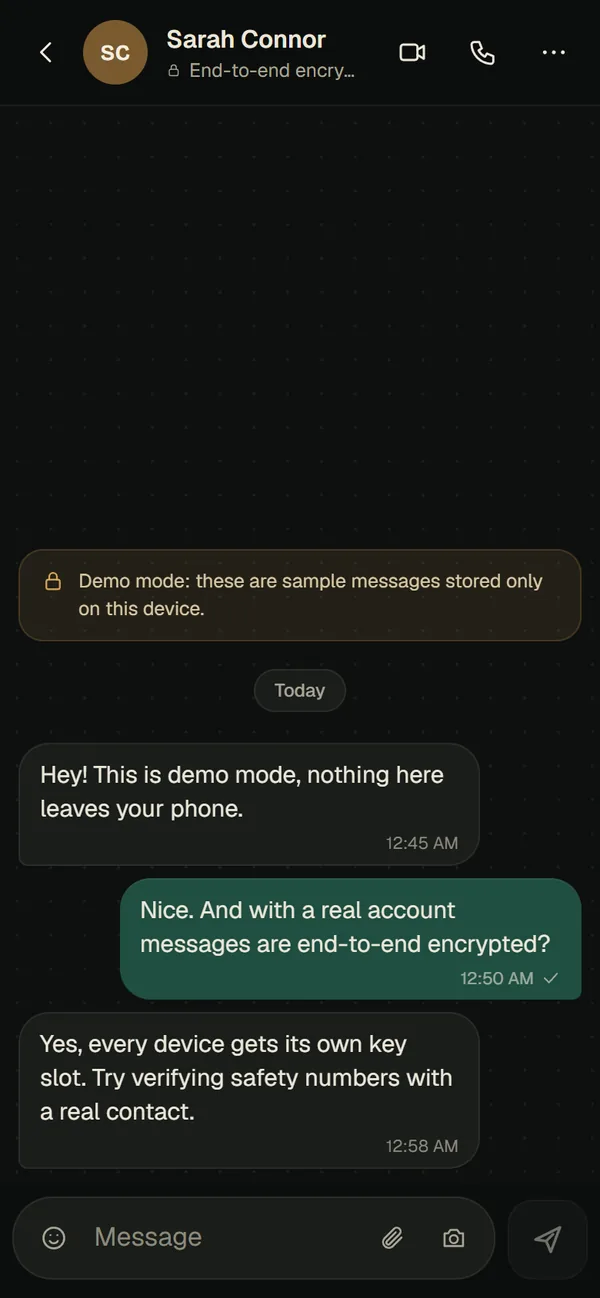
And because we think honesty is part of privacy, Vero tells you what its servers can see: who talks to whom and when, group names and member lists, and public channel posts.

Vero Messenger
Private chats and calls, encrypted on your device.