 Vyoma
Vyoma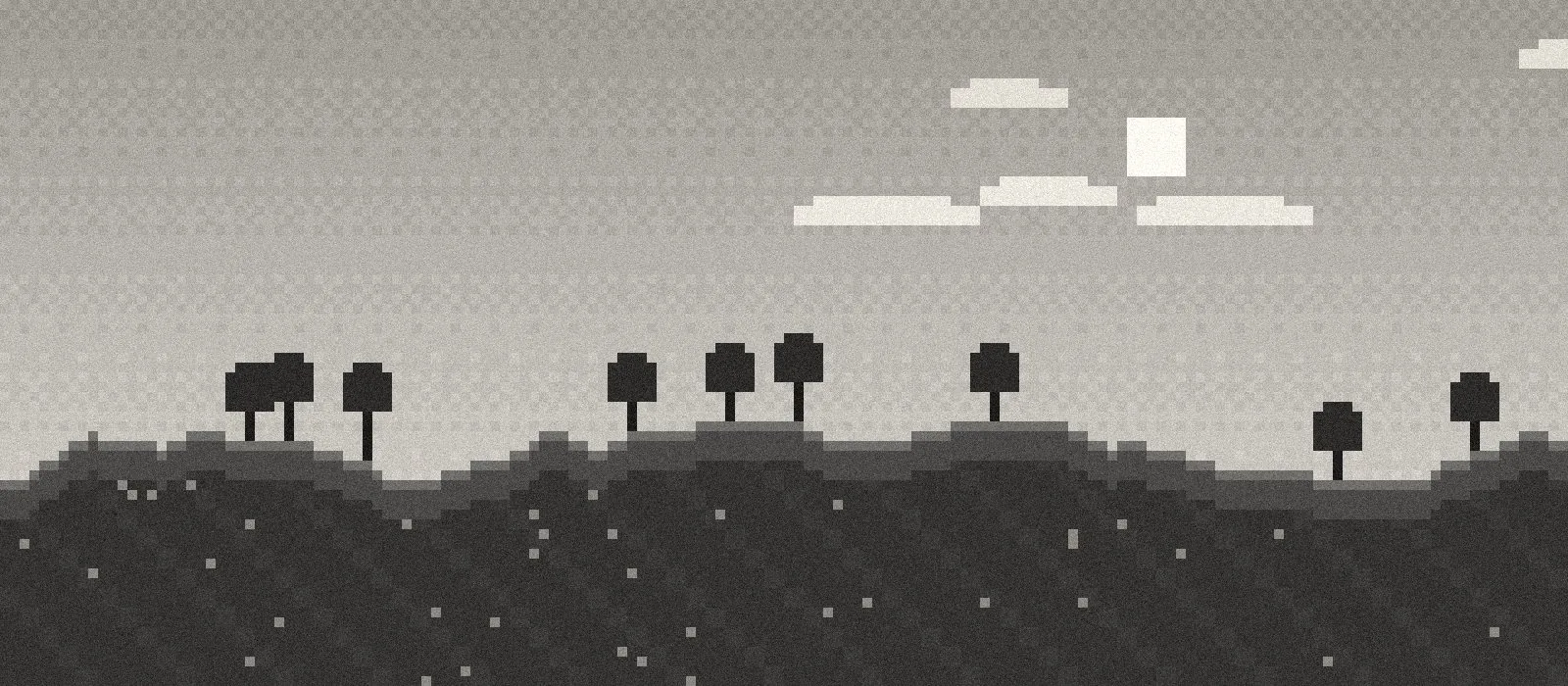
Can integrated graphics run shaders?
Yes — with the right pack and the right settings. Chips like Intel UHD 620/630, Iris Xe and AMD Vega can’t brute-force heavyweight shader packs, but a pack designed for them can look great and stay playable. The trick is choosing effects that are cheap, and skipping the few that are expensive.
What you need
- Fabric (or Quilt, or NeoForge) for your Minecraft version
- Sodium — faster rendering, which shaders lean on
- Iris — lets Minecraft load shader packs
- A shader pack built for low-end GPUs
One catch: Iris has no Forge build, so on plain Forge you can’t use these shaders. Fabric is the easiest route.
Which effects are cheap — and which aren’t
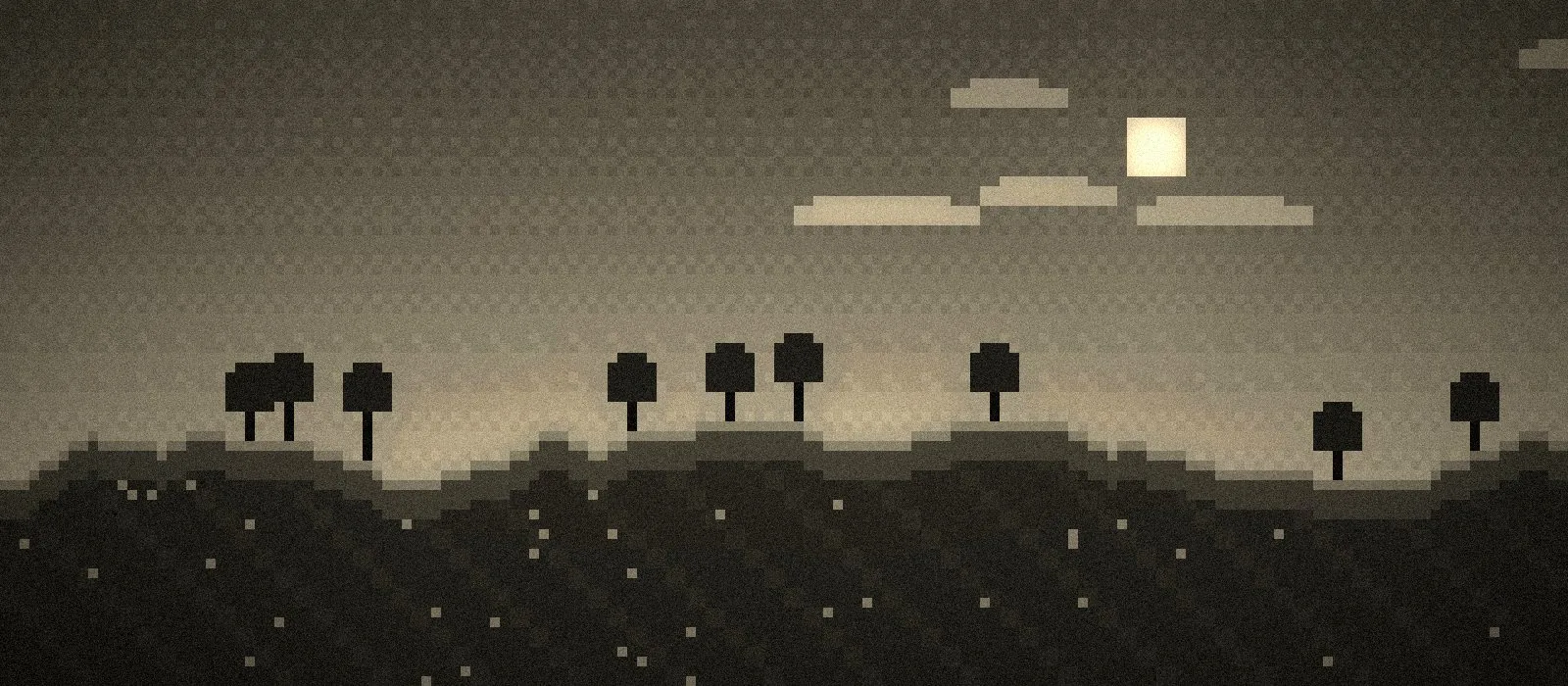
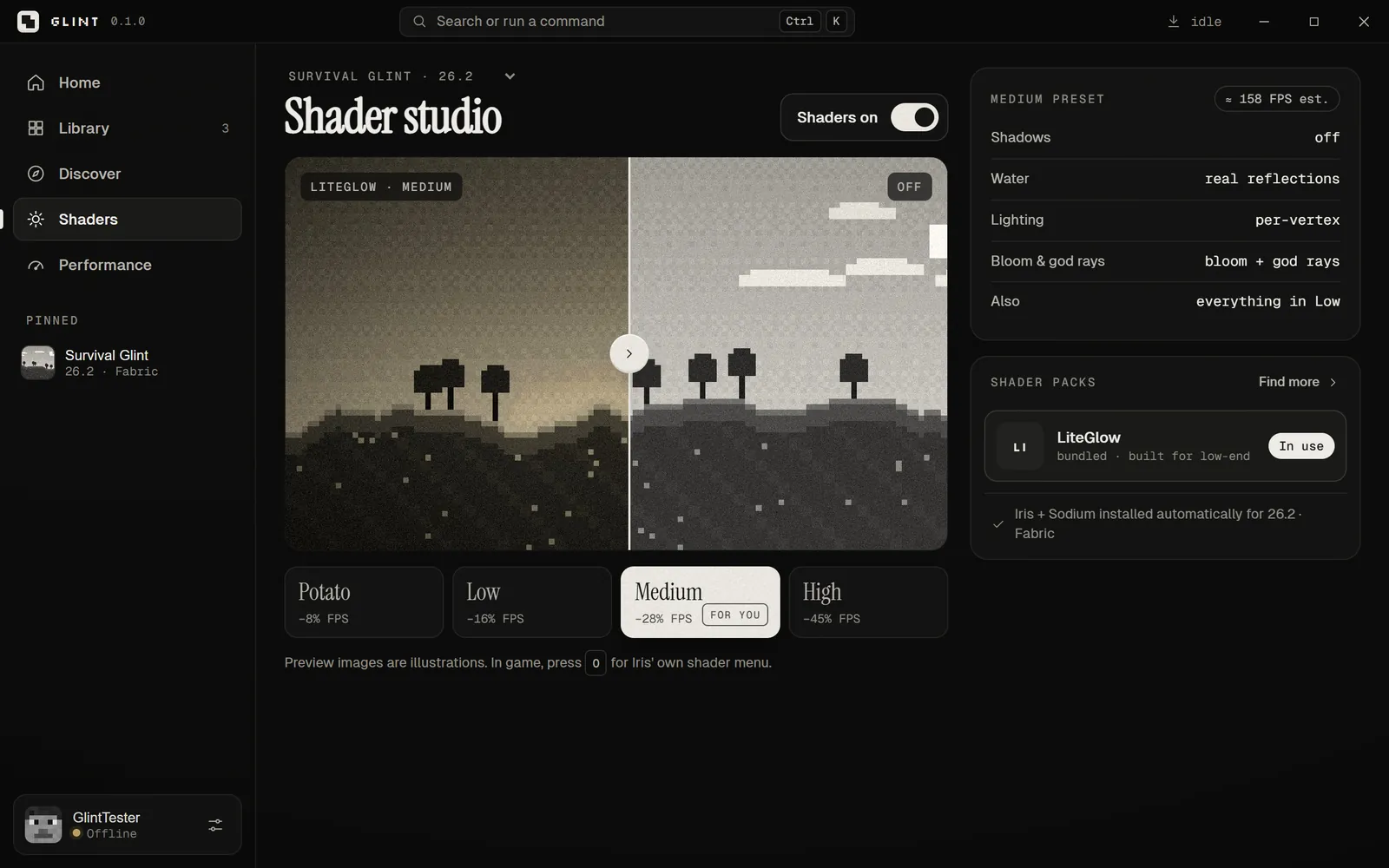
Most of what makes shaders look good is surprisingly cheap. The expensive one is almost always real-time shadows. Here’s how LiteGlow, the shader pack that comes with Glint, breaks it down:
| Effect | Cost | Turned on in |
|---|---|---|
| Warm sunlight, cool shadows, cave auto-brightening | Free | On |
| Glowing torches, lava and light blocks | Free | On |
| Custom sky, sunset, haze and fog | Free | On |
| Soft painted clouds (faster than vanilla’s) | Free | On |
| Blue moonlit nights, stars and the Milky Way | Very low | On |
| Water shine and waving leaves | Very low | On |
| Clear water | Low | On |
| Aurora | Low (night only) | Low and up |
| Bloom and god rays | Low | Medium and up |
| Real water reflections | Medium | Medium and up |
| Real soft shadows | High | High only |
LiteGlow stays light by working out lighting per vertex instead of per pixel, doing all its post-processing in a single pass, and keeping shadows off unless you choose High.
Pick a preset
What each LiteGlow preset costs
Glint’s built-in estimate of FPS lost compared with shaders off.
View as table
| Preset | Estimated FPS cost |
|---|---|
| Potato | −8% |
| Low | −16% |
| Medium | −28% |
| High | −45% |
Source: Glint shader studio estimates
Low is the default for most integrated graphics. Try Potato on older Intel UHD chips, and Medium on Iris Xe or a laptop with a small dedicated GPU. Only try High if you have frames to spare.
Settings to pair with shaders
- Render distance 6–8 chunks — shaders multiply the cost of every chunk
- Keep shadows off unless you’re on High
- Plug your laptop in, and make sure Minecraft uses the fast GPU
- Give the game a little extra memory for shaders — about 0.5 GB
For the full list of non-shader tweaks, see our guide to more FPS on a low-end PC.
Install it
By hand: install Fabric, drop Sodium and Iris into .minecraft/mods, put the shader pack’s zip (don’t unzip it) into .minecraft/shaderpacks, then pick it under Options → Video Settings → Shader Packs.
With Glint: flip one switch. Glint installs Sodium and Iris for your version, adds LiteGlow, writes the settings and picks the preset that fits your PC.
Glint
A fast Minecraft launcher that tunes itself to your PC.