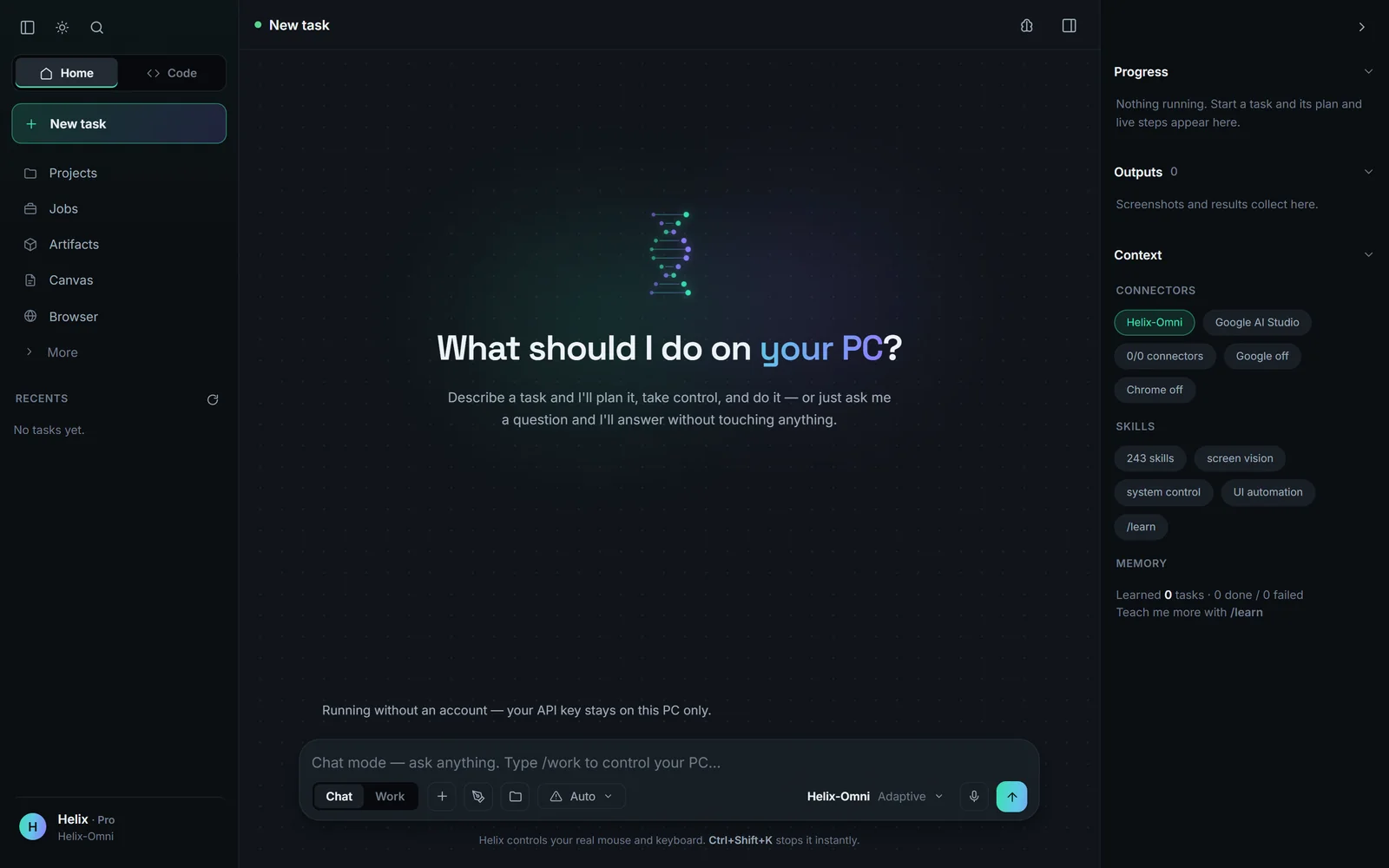
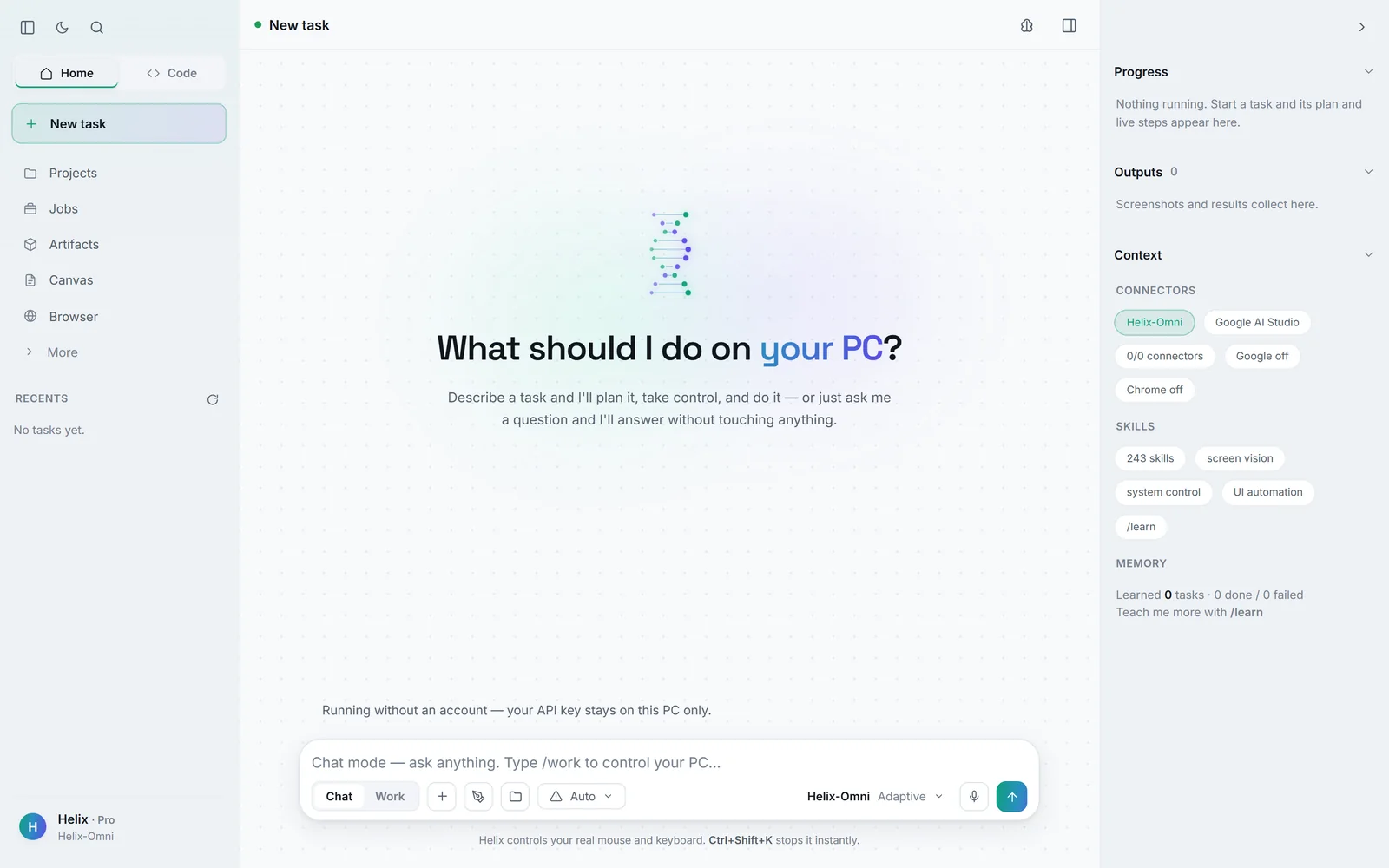
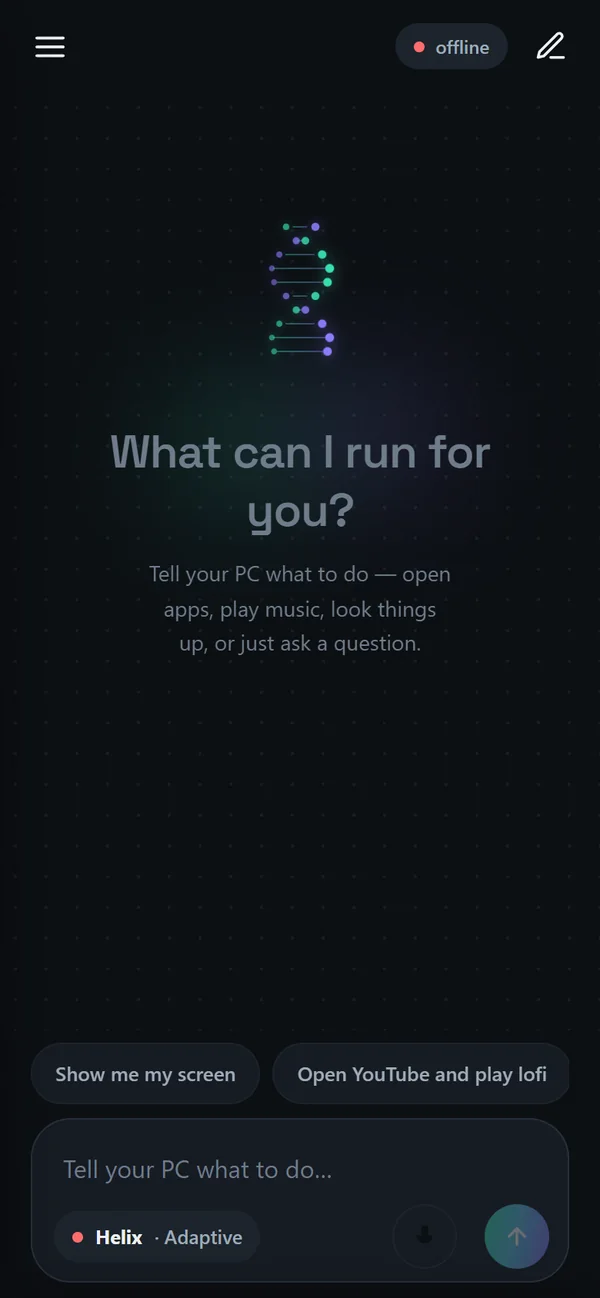
Helix for Windows is a public beta. Here’s what that means.
It’s free and updates itself — most updates are a small patch, not the full installer.
Expect rough edges. Helix acts on a real computer, so start with low-stakes tasks and keep Ctrl+Shift+K in reach.
Want the newest work first? Turn on Settings → Try beta builds. Helix then offers pre-release builds as they ship and keeps them updated. Stable installs are never offered a beta.
Sign in with Google once. Your API key follows the account, so the same key works on your PC, your laptop and your phone, and changes everywhere at once. Prefer not to? Choose Continue without an account — your key then stays on that PC only.
Helix runs on Google’s Gemini models through your account. You can add your own keys for stronger models in Helix Code.
Questions and answers. Helix doesn’t touch anything.
Work
Tasks on your PC — type /work or switch the toggle.
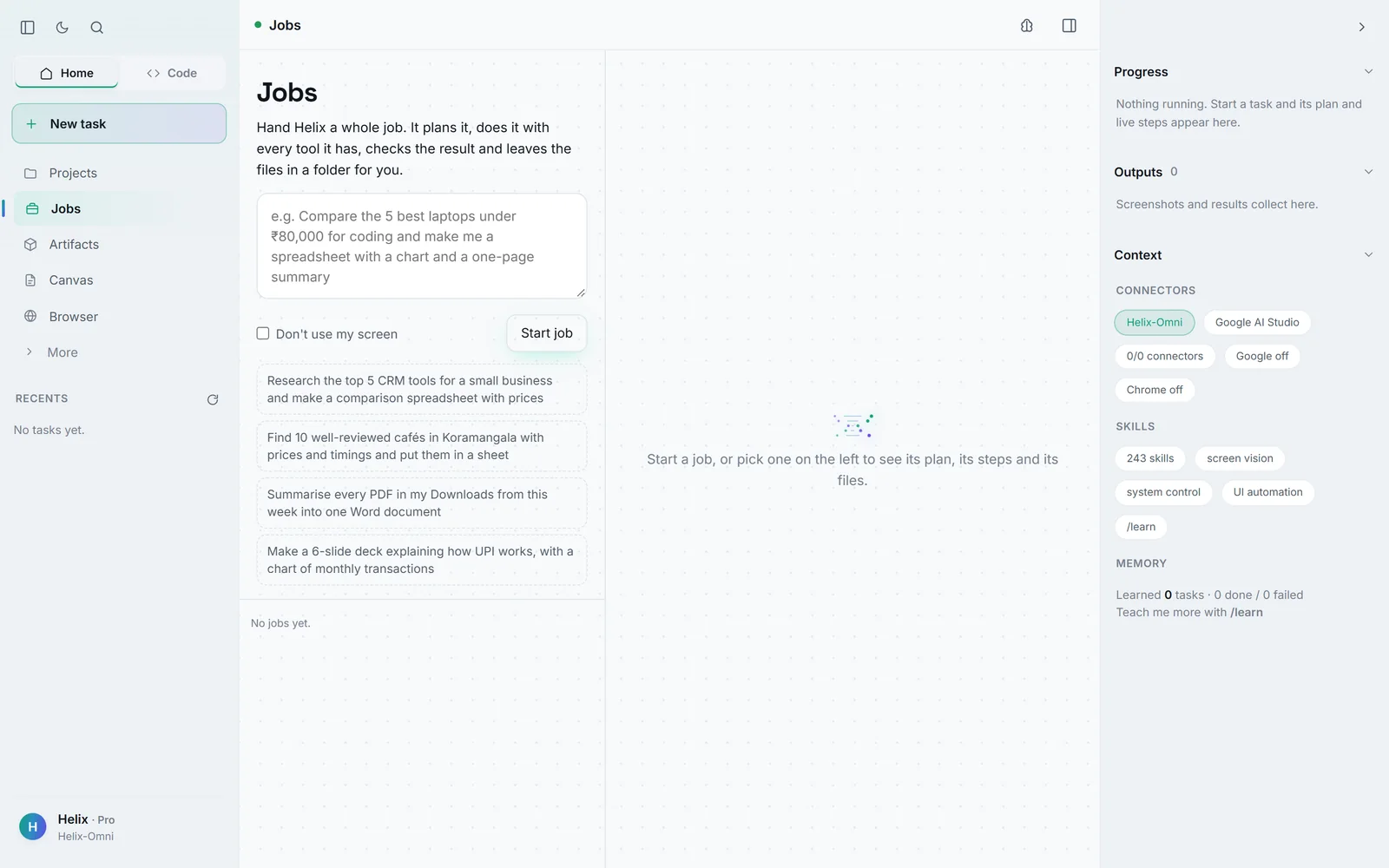
Jobs
A whole job: Helix plans it, does it with every tool, checks the result and leaves the files in a folder. Tick Don’t use my screen to keep it off the desktop.
Helix · Jobs
02 / 08
Computer use
6 articles
Find last week’s tax PDF, put the totals in a sheet and draft an emailexample
✓
Searched your filestax-summary-2026.pdf · Windows Search index
0.2s
✓
Read the PDF3 pages · totals found on page 2
1.1s
✓
Wrote the totals into a sheetTotals.xlsx · B2:D6 · read back and checked
1.4s
✓
Drafted the emailsaved in Drafts · nothing sent
0.9s
✓ Done. The draft is waiting — sending is your call.
When a task works the same way twice — “open Notepad and type …”, “search YouTube for …” — Helix keeps it as a shortcut with the variable parts left open. Next time it runs in about a second with no model call, through the same approvals and checks. Press Make this instant on a finished task to teach it after one go, and manage them on the Shortcuts page. A shortcut that fails twice stops being trusted.
How Helix clicks the right thing — and shows it did.
Helix reads what Windows reports about every window — the real names of buttons and fields — and presses controls by name. When several look alike (five “Delete” buttons), it numbers them on its screenshot and picks a number, not a guessed pixel. When it can check a step (“window Notepad is open”, “report.txt is on disk”), the task card shows the proof.
Chrome, File Explorer, Notepad, Spotify, WhatsApp Web, Excel, Word, PowerPoint, Outlook, VS Code, Settings, Gmail, Google Calendar, Docs and Sheets, Discord, Telegram, Terminal, PowerShell and YouTube — plus 240+ built-in knowledge files of app shortcuts and workflows.
Ask for a report and the Canvas opens: the page assembles itself sheet by sheet while a panel shows what Helix is doing — planning, searching, which sources it read. Documents are saved as Markdown, a styled HTML page, a CSV for tables and a PDF. Everything Helix makes collects under Artifacts.
Ctrl+Shift+K halts Helix instantly and releases the mouse and keyboard. A stop issued mid-thought cancels the in-flight action. The banner always shows it.
Reading is free. Sending, buying, deleting and powering off wait for your yes. Rules you set (“don’t send anything”) bind every step of the task, including steps planned together, and are checked before each action.
Model keys you add for Helix Code are stored in your user folder, never synced to settings, and can’t be set from another device. Your phone can do everything the PC app can through your account or a pairing PIN — except credentials and re-pairing, which you do at the machine.
Deciding what needs asking is rule-based, so it costs no tokens. A few things — a likely typosquatted package, rewriting shared history — ask in every mode.
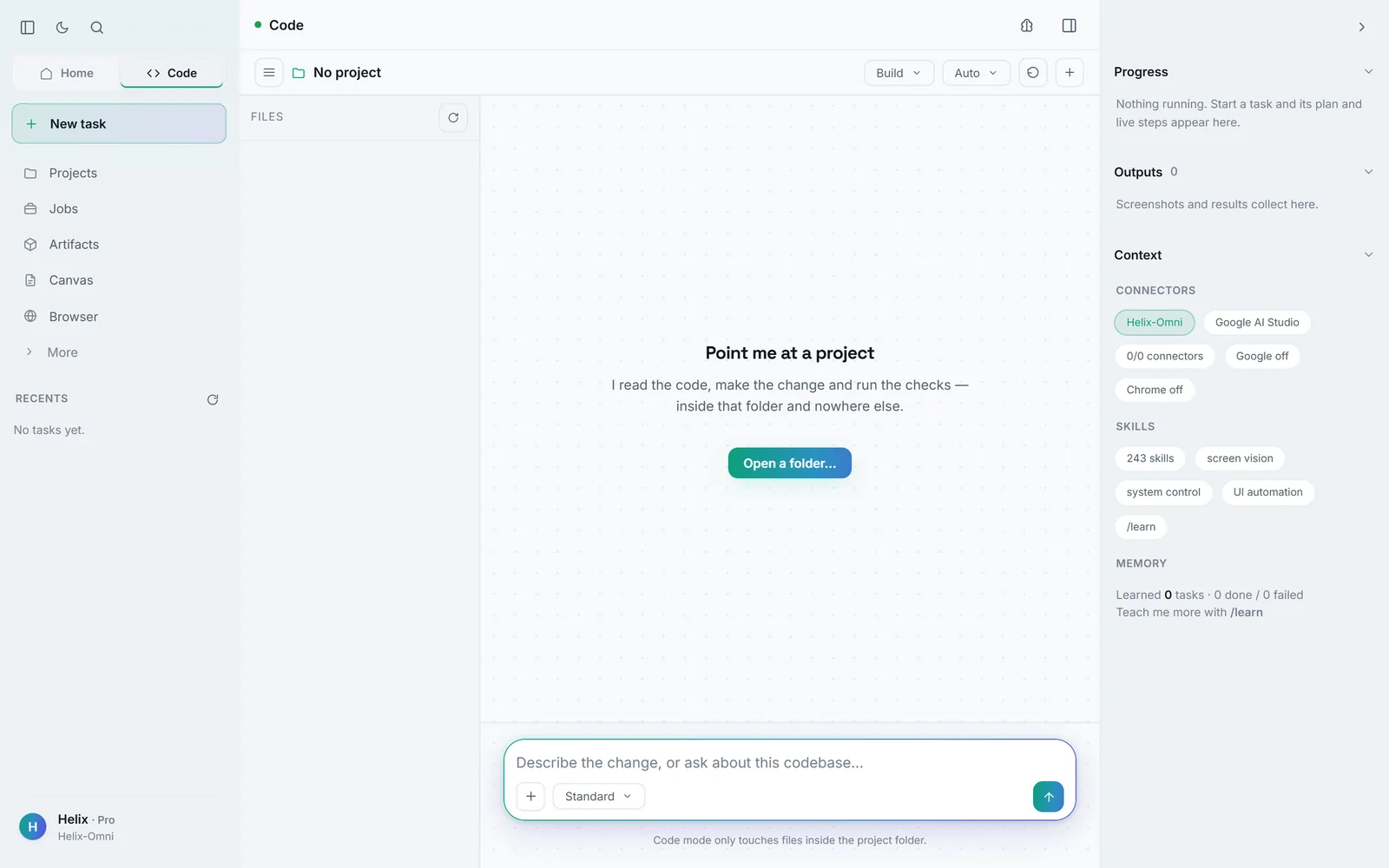
After each turn open Review to keep or undo a single change, a whole file or the entire turn. If the file changed since you looked, Helix refuses rather than reverting the wrong lines. Undo includes files it created.
Helix Code grew out of our coding harness — not a model, but the thing around the model: the loop, the tools, the memory and the checks. Its permission rules are a direct port of the harness’s. In development, the standalone harness goes further: 55 tools, a real browser with devtools to verify the pages it builds, docs read from the packages you actually have installed, and grounding checks that catch a cited file that doesn’t exist, a test it never ran or an edit it never made before an answer reaches you.
Sign in with the same Google account — your PC shows up on its own.
Send tasks, approve steps and watch milestones arrive — or take the screen and drive it by touch. On the same Wi-Fi it goes direct; anywhere else it routes through the cloud link.
Tap the microphone, say “Hey Helix”, or start a call. Helix answers out loud and keeps working at the same time; it checks what it has actually done before telling you. Interrupt whenever you like.
Connect a chat app and send tasks from Telegram, Discord or Slack. Daily summaries, recurring chores and webhooks run as background jobs that never take over your screen.
$ curl -fsSL https://helix.vyomagroup.online/install.sh | sudo sh
Minimum
Comfortable
RAM
512 MB
1 GB
Disk
2 GB
5 GB
CPU
1 vCPU
1 vCPU
OS
Any Linux with systemd
Debian, Ubuntu, Alma, Rocky, Fedora
It installs Helix in /opt/helix under a user with no shell, writes a systemd service and starts it. Running it again upgrades in place and keeps your sign-in, settings and history. Add --beta to follow the beta channel.
On the server, run helix link. It prints a code like GGRU-KJL6.
In Helix on your phone or PC, go to Settings → Link a device and enter it.
The server gets a session of its own: your key arrives and it joins your devices.
Good to know
Only approve a code you can see on your own screen right now. Codes last ten minutes and work once. For Gmail and Calendar, connect Google on your PC, then run helix google on the server.
Open arka.vyomagroup.online and continue with Google. Helix web reasons through hard problems, reads images and PDFs, writes and explains code, remembers what you choose to share, and groups chats into projects. Five styles — Normal, Learning, Concise, Explanatory, Formal — and an optional deep-reasoning mode.
The full web guide — chatting, image and file analysis, deep reasoning, memory, settings, plans and privacy — is in the Helix web docs.
New versions arrive in the app and tell you what changed. Most download only the parts that differ — a 21.9 MB patch instead of the full installer. Each one is verified against its checksum; if a version fails to start, Helix offers to put the previous one back.
Choose More info → Run anyway. Helix installs only into your own user folder and never asks for administrator rights. Compare the SHA-256 under Install if you want to be sure.
 Vyoma
Vyoma